How to Achieve a Light, Cohesive Instagram Feed
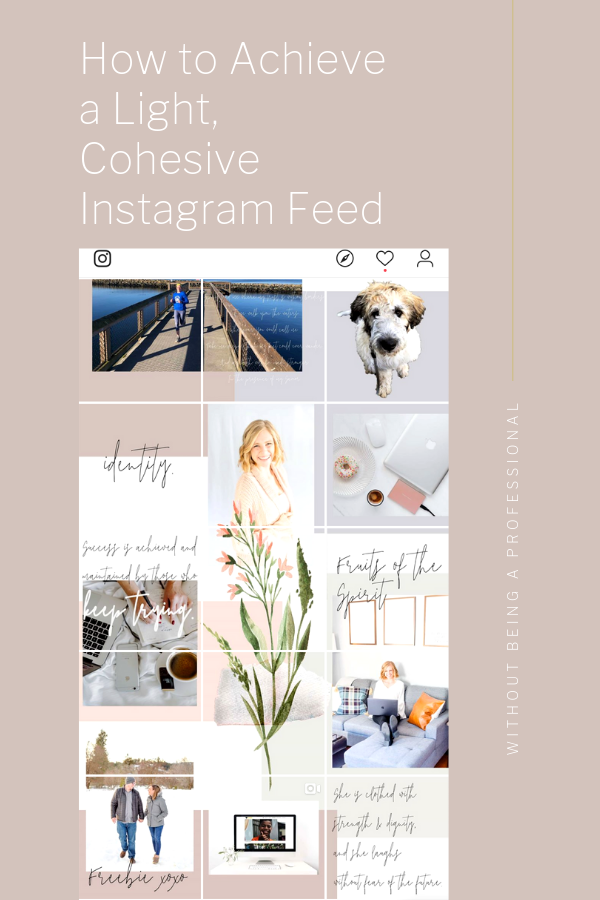
Instagram is all about engagement, however a pretty feed is a great way to build your following to then get that engagement. It definitely shouldn’t be your end-all plan to success, but it is important to put a little time into it. These are the steps I take with (almost) every photo to achieve a unified look.
Download the app Snapseed and go to Tune Image

1. Brighten the image
2. Add contrast
3. Increase the saturation
4. Increase the highlights
5. Decrease the shadows
6. Cool down the image just a tiny bit (more if you didn’t have natural light for the photo)

7. THE SELECTIVE TOOL! Click on the white portion of your picture that you want to make brighter and increase the brightness. Make those white backgrounds pop!
8. Go to the brush feature. I use the dodge and burn brush and paint it over the walls to make it look more unified and brighter. If I have a lot of green in the picture I will use the desaturate brush over the grass or trees about -5.
9. Bring the photo into VSCO and apply your filter to make your pictures look all the same. I use A6 with a strength at about 4 for most of my pictures.
Now it is your turn to go from this…

To this…

Read other blogs about: Instagram Tips
I’ve got messy hair and a thirsty heart.
I overshare my life, and have an ultra-expressive personality. Some words people use to describe me are: helpful, real, fun, creative, authentic, and kind.
Elphaba from Wicked is kind of my alter-ego (I was a fan LONG before the movie-adaptation - anyone else?!). I am always trying to forge my own path and make a difference in the World, somehow, someway, while also constantly criticizing myself and trying to become the better version of me.
Quality conversations + coffee come easy to me.
I’ve never had an issue connecting naturally with others (probs because I can go on and on about my life story, not that it is interesting, I just process externally...)
I find so much joy in helping and serving others and I give myself fully to whatever it is that engages me, whether that is running a 50k or creating a website in a day.