How to set up a lead magnet in Squarespace email marketing & deliver it

✨Learn how to deliver an opt-in via Squarespace!✨

If you’re new here, I’m a Showit and Squarespace website designer. I am passionate about helping you get your website out into the world and fast so it can start getting you clients and gaining SEO.

In this video I will show you

  1. Where to add the freebie deliverable to your Squarespace website
  2. How to create an automatic email in Squarespace
  3. How to add a sign-up form to your Squarespace homepage

How to Give Away a Freebie on Your Squarespace Website (Without Making It Weird)

Okay so you want to grow your email list. Good. Smart. SEO brings people to your site, and your email list is what keeps them around after they leave.

But then comes the question nobody talks about: how do you actually DELIVER the thing?

Like, someone signs up for your freebie. Now what? Do you just… email them manually? Hope they find it somewhere? Send them to a Google Drive link and pray?

There’s a much cleaner way to do this entirely inside Squarespace, and I walked through it step by step in a recent YouTube video. Here’s the gist.

Step 1: House your freebie on your own website

Create a page (a blog template works great, a simple page works too) and put your freebie there. PDF, style guide, checklist, whatever it is. Then make the URL really, really long and random. Something that’s not searchable, not guessable, just… ugly enough that nobody stumbles on it by accident. It’s not a secret page, it’s just not an indexed one. Problem solved.

Step 2: Build the opt-in section

Go to your homepage (or wherever makes sense), add a section, throw in a quick graphic you made in Canva, a little bit of context about what they’re getting, and then add a newsletter block. That’s the form they fill out. Connect it to a specific mailing list, not just the default one. You want people who signed up for your style guide in the “style guide” list. Not mixed in with everyone else. Segmenting from day one saves you SO much headache later.

(Also: require the name field. I know it adds one extra step for the subscriber but having someone’s first name in an email genuinely helps with conversions. It just does.)

Step 3: Set up the automation

This is the part that makes it actually work while you’re out living your life. Go to Marketing, then Email Campaigns, then Automations. Create a new one, pick a template (truly doesn’t matter, you’ll redesign it anyway), and add a button that links to that long ugly URL where your freebie lives.

Connect the automation to your specific mailing list. Set the timing to immediate. Add a subject line. Add a little preview text. Put your own name as the sender name because it feels more human than a business name and honestly people respond better to people.

Then you add your legal address (yes, you have to, it’s a law thing), and activate it. Done. Someone signs up, they immediately get an email with a link to their freebie. You didn’t have to touch anything.

That’s the whole system.

Freebie lives on your site. Opt-in form captures emails. Automation delivers it. Email list grows in a segmented, organized way. Your website does the work.

If this feels like a lot of moving pieces, I promise it’s more straightforward in practice than it sounds in a list. The key is just seeing it done in real time.

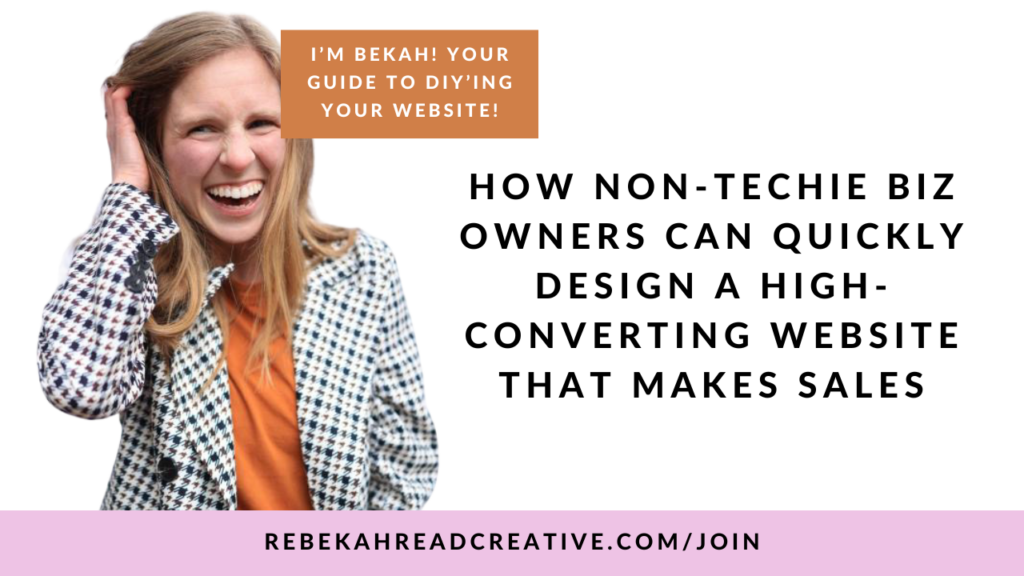
Which is why I made a 50 minute free training walking you through how to DIY your entire website in a weekend. Like, not just the freebie delivery piece. The whole thing. Strategy, structure, what to actually say on the pages, how to make it not look like a template someone slapped together. Watch it here and go at your own pace. No pressure, no pitch, just the stuff I wish someone had shown me when I was starting out.

Your website should be your best employee. Let’s get it working.

Did you like that video? If so…

YOU MAY LIKE THESE GEMS:
More Resources:

👩‍💻 How To CUSTOMIZE your Squarespace Website (with code) Freebie

🎉 Squarespace Landing Page Template (FREE)

Squarespace SEO Course → rebekahreadcreative.com/seo-course

Try Squarespace & save 10% off your first subscription → squarespace.syuh.net/c/2738011/968202/9084 (or use code RRC10)

If you have other Squarespace tutorials you would like me to create, comment below!


DISCLAIMER: Links included in this description might be affiliate links. If you purchase a product or service with the links that I provide I may receive a small commission. There is no additional charge to you!

Hey, I'm Bekah! Web designer, Squarespace Circle Gold Partner, marathon runner, and mama of two. I built Rebekah Read Creative in 2018 after leaving corporate America, and I've spent the years since helping purpose-driven entrepreneurs stop cringing at their websites and start getting found on Google.

I'm the kind of person who overshares, processes out loud, and goes all in on whatever has my heart, whether that's running a 50k or building someone's website in a single day. Quality coffee and real conversations are basically my love language.

If you're here, you're probably tired of the Instagram hustle and ready for a website that actually works for you. You're in the right place.

Leave a Reply

Your email address will not be published. Required fields are marked *

MAIN:

Bekah is a Squarespace & Showit web designer DESIGNING FROM WEST DES MOINES (SERVING Worldwide) who offers WEBSITE IN A DAYS AND TEMPLATE CUSTOMIZATIONS TO HELP PURPOSE-DRIVEN BUSINESSES SHOW UP ON GOOGLE.

EXPLORE:

RESOURCES