

3…2…1… 🚀 Get Your Website Designed & Launched in 1 Weekend
I believe every business—or even just a business idea—needs a website (whether that be a simple website built on an email provider like Flodesk or a more robust – but still simple – website created on Squarespace). And here’s the thing: you can totally create one in just a weekend.
How to DIY a Website in a Weekend ⏱️
This week on the YouTube channel, I’m sharing exactly how to get a simple site up and running, plus why having one is a total game-changer.
Many of you may already have a website (go you!). But I think this episode will still be worth your time. It might spark some inspiration to start a site for a passion project, nudge a friend to finally launch theirs, or even experiment with a new platform for your next big idea.
Curious about the what, the how, and the why? READ ON (or watch):
Free Training – Do it yourself website building
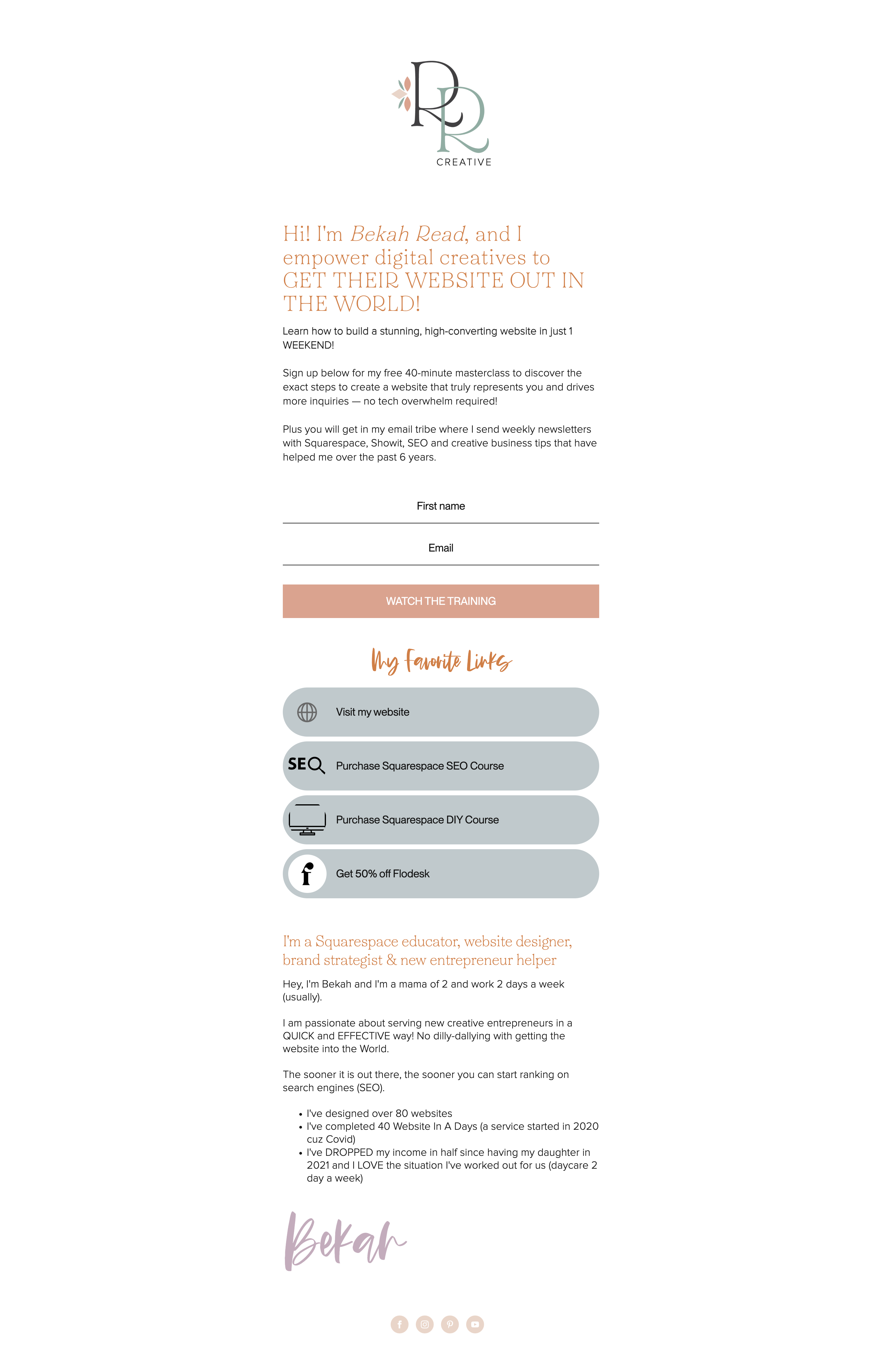
✨ DIY Your Website in a Weekend: Free Training✨
Ready to kick off the new year with a website that actually drives business growth?
🚀 Get Your Website Launched in Just 3 Days!
Join my free training starting TODAY and learn how to DIY a professional website that’s ready to go live by the end of the weekend.
Here’s what you’ll achieve in just a weekend:
✨ BRANDING: Design a website that fits your brand and isn’t just a template.
💻 BUILD: Go live with confidence ready to send ideal clients to your site.
📈 LAUNCH & Get Clients Organically: Step into 2025 with an online presence that does the hard work for you so you can QUIT the marketing rat-race of Instagram.
This step-by-step training is perfect whether you’re starting fresh or giving your current site a glow-up. By the end of the weekend, you’ll have a stunning, ready-to-launch website that sets the tone for your best year yet.
👉 Sign up now to get instant access and start building your dream website.
This is your moment to stop waiting and start growing. Let’s make 2025 your best year yet 🎉
Let’s do this together!
Is it possible to build a website in a week or weekend?
Short answer, 100% yes especially if you are using an intuitive website builder like Squarespace (I would NOT suggest WordPress for any DIY’er).
If you’re ready to take control of your online presence and launch a website that works for your business, you’re in the right place. Here’s how to go from idea to live—quickly and confidently.
Step 1: Setting Up Your Squarespace Website
Start by heading to Squarespace.com and hitting ‘Get Started.’ From there, choose a template that aligns with your brand’s vibe—whether you’re in fashion, wellness, or services.
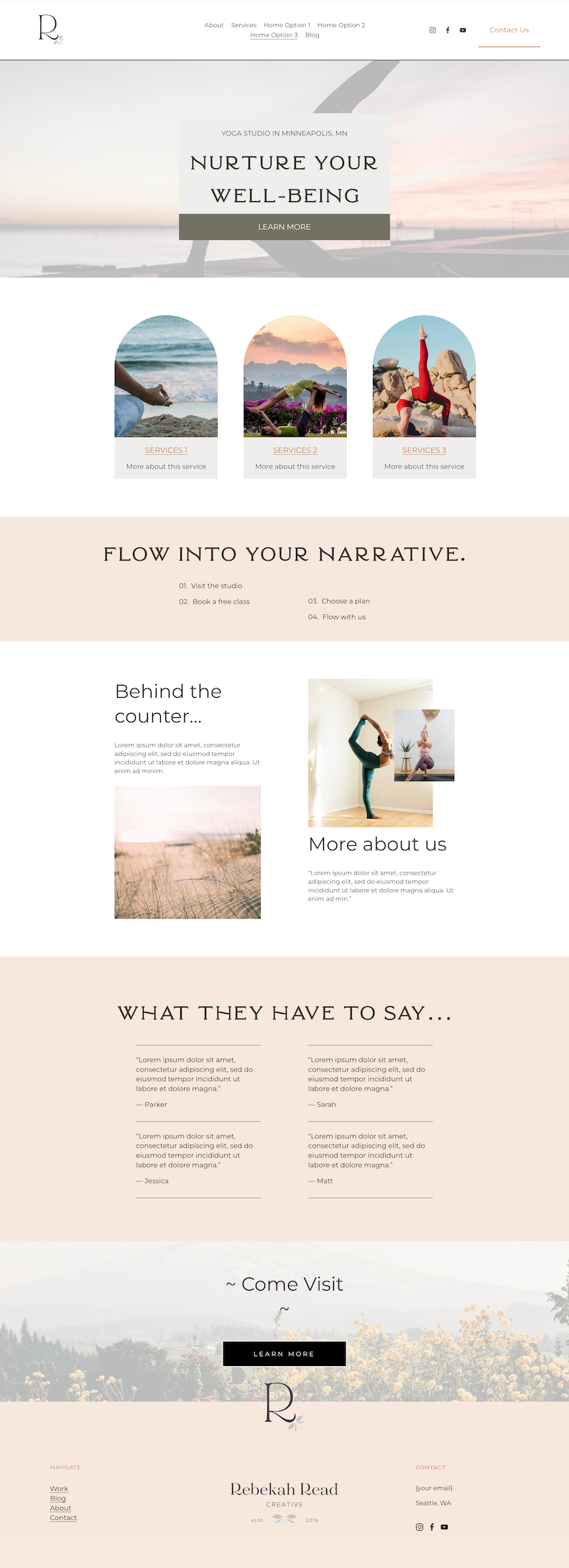
I recommend starting with the template I created for my Beyond The Template students—it’s designed to make your site not only beautiful but also conversion-friendly and there are 3 different home page options so you can choose the one that best fits your brand.
Once your template is ready, it’s time to customize! Just click on any element—text, images, or colors—and make it your own. Squarespace makes it so simple to create a site that feels uniquely you.
A few things to note, if you are an e-commerce business or need other key features like connecting a scheduling tool or email marketing tool, it may take longer than a weekend… just being honest!
I like to focus on the bones of the website (home page, about page, services, and contact) and get that completed in a weekend and then you can add on the other things like a blog or shop.
REMEMBER: PROGRESS OVER PERFECTION!
Step 2: How to make a website appear on Google
It’s not enough that you got your business online fast, you also need it to show up on search engines. Search Engine Optimization may sound overwhelming, but again, start small and remember done is better than perfect.
Step 3: Best Practices for a Stunning Website
To ensure your website makes an impact, follow these tips:
- Clear Branding: Keep your logo, colors, and fonts consistent with your brand identity.
- Simple Navigation: Limit your menu to 4–6 links so visitors can find what they need easily.
- Strong Call-to-Action (CTA): Highlight your primary goal—like ‘Book Now’ or ‘Shop Today.’
- Mobile Optimization: Always preview your site on mobile before launching—it’s where most traffic comes from!
Step 4: Launching Your Website
Before hitting publish, do a final review:
- Test all links and forms.
- Proofread every page.
- Double-check your SEO settings.
Then, hit that Publish button and share your site everywhere—social media, email, and even your email signature. I have a PIGFL SEO System I use whenever I publish a new blog post and this system will also work for the launch of your new site.
LEARN MORE: How to get your website page shown higher on results
5 Time-Saving Hacks for DIYers
- Drag & Drop Layout Blocks: Save time by using Squarespace’s pre-designed content blocks.
- Duplicate Pages: If you love a layout, duplicate it to maintain consistency across pages.
- Set Fonts & Colors Site-Wide: Use the ‘Design’ section to apply your style globally for a cohesive look.
- Leverage Template Pages: Use pre-designed templates for contact pages, about sections, or e-commerce to skip the guesswork.
- Optimize Photos: Resize images under 1MB with tools like TinyPNG and rename them with SEO-friendly titles (e.g.,
nashville-wedding-photographer.jpg).
With these tips and hacks, you can launch a high-converting Squarespace website this weekend—so it can start working for your business and boosting your SEO right away.
🎉 Want even more guidance? Join my free 40-minute masterclass to learn the top 3 things you need to design a website that makes sales—fast. Let’s build your dream site together! ⇩ ⬇ ⇩

Read other blogs about: Website Design
I’ve got messy hair and a thirsty heart.
I overshare my life, and have an ultra-expressive personality. Some words people use to describe me are: helpful, real, fun, creative, authentic, and kind.
Elphaba from Wicked is kind of my alter-ego (I was a fan LONG before the movie-adaptation - anyone else?!). I am always trying to forge my own path and make a difference in the World, somehow, someway, while also constantly criticizing myself and trying to become the better version of me.
Quality conversations + coffee come easy to me.
I’ve never had an issue connecting naturally with others (probs because I can go on and on about my life story, not that it is interesting, I just process externally...)

I find so much joy in helping and serving others and I give myself fully to whatever it is that engages me, whether that is running a 50k or creating a website in a day.


