SEO + Quizzes: How to Get More Traffic & Grow Your Email List at the Same Time
If you’ve ever wished your website could do more than just sit there looking pretty—like actually bring in leads, rank on Google, and grow your email list effortlessly—you’re in the right place!
Quizzes are one of the most engaging ways to connect with your audience, but did you know they can also be a powerful SEO tool?
In this post, I’ll break down how to optimize your quizzes for search engines so they not only boost engagement but also drive organic traffic. Plus, I’ll share some quiz ideas for different industries to help you get started. And if you’re curious, you can check out my own quizzes:
- What’s Your Brand Personality? (taken by 250+ creative entrepreneurs!)
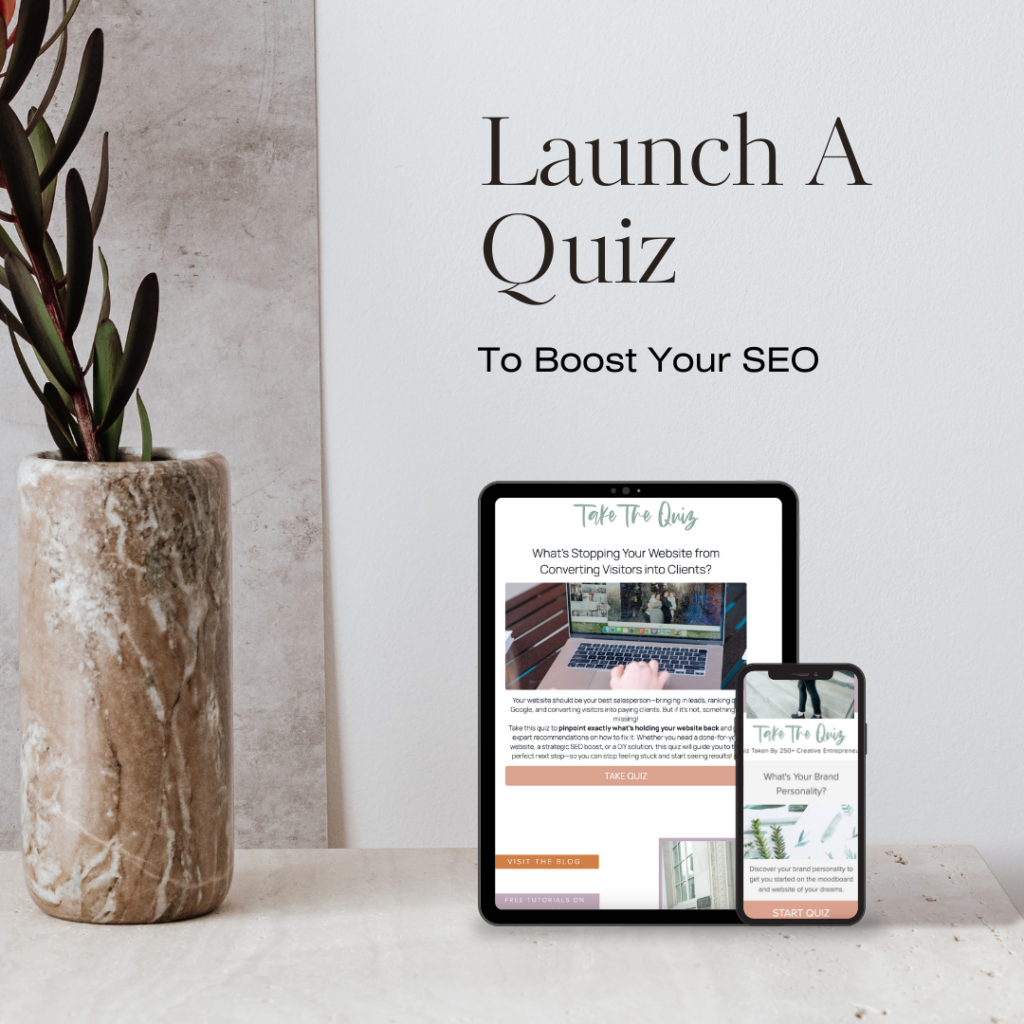
- What’s Stopping Your Website from Converting Visitors into Clients? (Pinpoint what’s holding your website back and get expert recommendations!)
1. Choosing an SEO-Friendly Quiz Topic
Your quiz topic should be something your audience is actively searching for. Think about common struggles, questions, or curiosities they have, and tie your quiz into those.
For example, my “What’s Stopping Your Website from Converting Visitors into Clients?” quiz is great for SEO because it aligns with search queries like:
- “Why isn’t my website converting?”
- “How to get more leads from my website”
- “Website mistakes that hurt conversions”
Similarly, if you’re a photographer, a quiz like “What’s Your Photography Style?” could attract people looking for guidance on their ideal photo aesthetic.
2. Optimizing Quiz Titles & Descriptions for Search
Your quiz title should include relevant keywords while still feeling fun and engaging. Some quick tips:
- Use keywords your audience is already searching for.
- Keep it short and clear.
- Make it feel personal (use “your” or “you” where possible).
For example:
- ✅ “What’s Your Brand Personality?” (Good – clear and keyword-friendly)
- ❌ “Take This Fun Brand Quiz!” (Not great – vague and not SEO-friendly)
The same applies to your quiz meta description. Instead of saying, “Take this quiz to learn more about your website,” try: “Find out what’s holding your website back from converting visitors into paying clients—and get expert recommendations to fix it!”
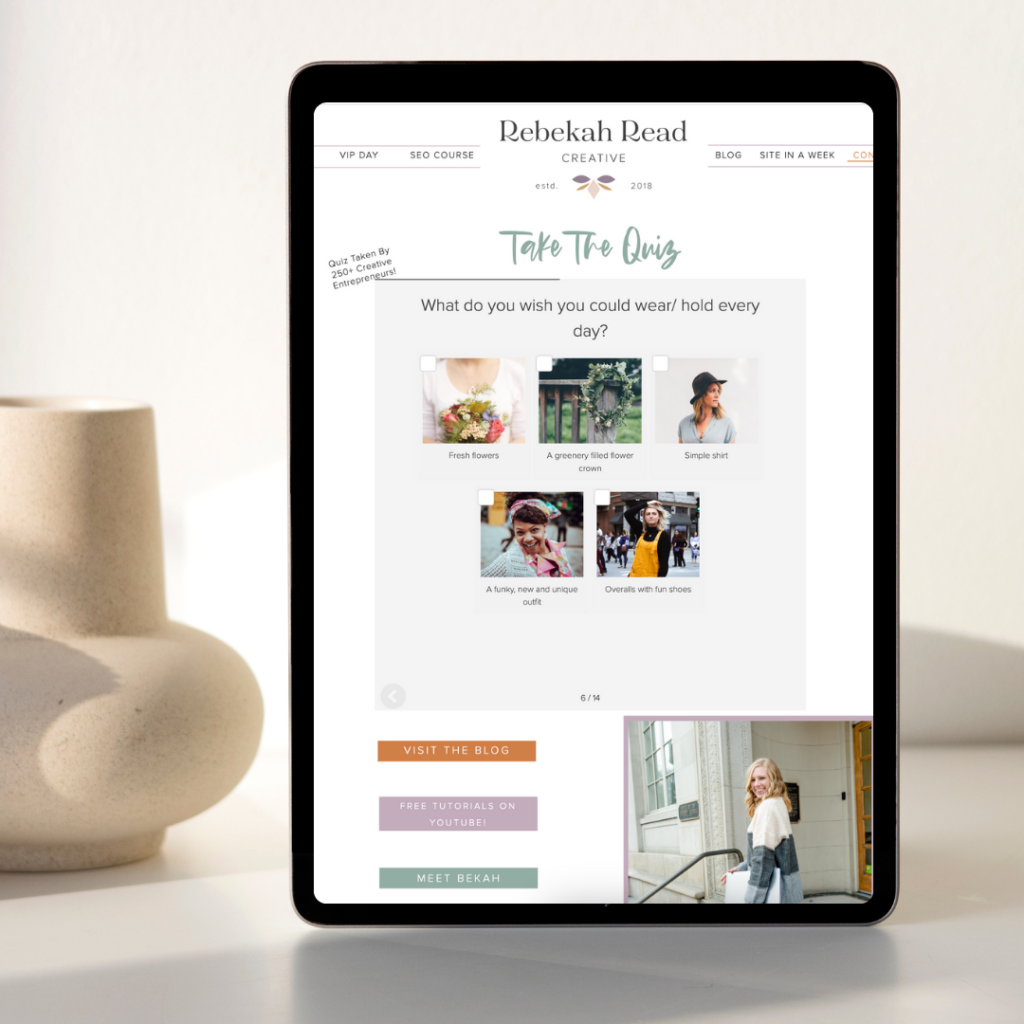
3. Creating an SEO-Optimized Quiz Landing Page
A dedicated quiz landing page is a must if you want your quiz to rank on Google. Here’s what to include: ✅ A clear, keyword-rich headline (e.g., “Struggling with website conversions? This quiz will show you what’s holding you back!”)
✅ A short, engaging intro that explains the quiz’s benefits
✅ A call-to-action (CTA) encouraging visitors to take the quiz
✅ Keywords throughout the page
✅ An FAQ section (this helps with SEO and addresses common concerns)
For example, my website conversion quiz landing page could include terms like:
- “Website mistakes that hurt SEO”
- “How to optimize your website for conversions”
- “DIY website audit”
4. Using Blog Content to Boost Quiz SEO
Your quiz shouldn’t just sit on its landing page! Embed it in blog posts that target related keywords. For example:
- A blog titled “5 Common Website Mistakes That Are Killing Your Sales” could link to my conversion quiz.
- A post on “How to Define Your Brand Personality” could drive traffic to my brand quiz.
The more places your quiz appears on your site, the better its chances of ranking in search results.
One of the reasons I use Interact as my quiz platform* is because I can easily embed it into my website pages and blog posts and it looks seamless and branded.
5. Leveraging Social & Backlinks for SEO Power
Quizzes are highly shareable, and social signals (likes, shares, comments) can indirectly boost SEO. To maximize this:
- Add a shareable results page (with buttons for Facebook, Instagram, and LinkedIn)
- Encourage quiz takers to share their results (e.g., “Tag us on Instagram when you get your results!”)
- Get backlinks by having others in your industry mention or link to your quiz
6. Turning Quiz Results into SEO Content
Your quiz results can be repurposed into blog posts, emails, and social media content. For example:
- If 70% of quiz takers struggle with website speed, write a post on “Why a Slow Website is Costing You Clients (And How to Fix It).”
- If many quiz takers fall into a certain brand personality type, create a guide like “How to Market Your Business Based on Your Brand Personality.”
Quiz Ideas for Different Industries
Not sure what kind of quiz to create? Here are some ideas:
📸 Photographers:
- What’s Your Photography Style for Your Family Photoshoot? (Attracts your ideal clients looking for a photographer that matches their aesthetic.)
- Which Wedding Photography Package is Right for You? (Helps couples choose the best service.)
🧠 Therapists & Counselors:
- What’s Your Coping Style? (Educates potential clients about stress management and therapy approaches.)
- Is Therapy Right for You? (Guides users toward seeking professional help if needed.)
🧘 Yoga Studios:
- What’s Your Yoga Style? (Helps potential clients find the right class.)
- How Balanced is Your Mind-Body Connection? (Encourages self-reflection and sign-ups.)
🍴 Food Bloggers:
- What’s Your Cooking Personality? (Draws in food lovers looking for personalized recipe suggestions.)
- Which Meal Prep Style is Right for You? (Helps readers streamline their cooking routine.)
📊 Online Business Managers (OBMs):
- What’s Your CEO Superpower? (Identifies strengths and areas where an OBM could help.)
- Is Your Business Running as Efficiently as It Should? (Generates leads for OBM services.)
Quizzes aren’t just fun—they’re a powerhouse for SEO and email growth when done right. By choosing the right topic, optimizing for keywords, and embedding quizzes into your content strategy, you can attract more website traffic and turn visitors into subscribers with ease.
Want to see this in action? Try one of my quizzes:
- What’s Your Brand Personality? – Discover your unique brand style!
- What’s Stopping Your Website from Converting Visitors into Clients? – Find out what’s holding your website back and get expert recommendations!
Now it’s your turn—what quiz will you create? 🚀
Note – I make a small commission for referring Interact. It is the only quiz platform I use (and have been using since 2019) and I love it!
Read other blogs about: Website Design
I’ve got messy hair and a thirsty heart.
I overshare my life, and have an ultra-expressive personality. Some words people use to describe me are: helpful, real, fun, creative, authentic, and kind.
Elphaba from Wicked is kind of my alter-ego (I was a fan LONG before the movie-adaptation - anyone else?!). I am always trying to forge my own path and make a difference in the World, somehow, someway, while also constantly criticizing myself and trying to become the better version of me.
Quality conversations + coffee come easy to me.
I’ve never had an issue connecting naturally with others (probs because I can go on and on about my life story, not that it is interesting, I just process externally...)

I find so much joy in helping and serving others and I give myself fully to whatever it is that engages me, whether that is running a 50k or creating a website in a day.